
New & Notable
Top Webinar
Recently Added
Ten reasons organizations pay more in data integration tax every year
Alan Morrison | May 7, 2024 at 1:03 pmPhoto by Ernesto Andrade on Flickr Gartner’s April 2024 IT forecast estimated 8 percent growth from 2023 to 2024, fore...

What Is generative AI audio? Everything you need to know
Erika Balla | May 7, 2024 at 12:41 pmGenerative AI is probably the best product from humankind since fire and baked bread. This analogy stands valid with res...

Metadata management in data lakes
Ovais Naseem | May 7, 2024 at 11:19 amMetadata management is critical to data lake architecture, ensuring that data is well-organized, easily discoverable, an...

Why intelligent brands are reverting to user-generated content amid the generative AI boom
Edward Nick | May 6, 2024 at 8:22 amThe generative AI boom represents a watershed moment for the world of marketing, and every brand will soon be faced with...
GenAI, RAG, LLM… Oh My!
Bill Schmarzo | May 4, 2024 at 8:22 amI am pleased to announce the release of my updated “Thinking Like a Data Scientist” workbook. As a next step...

Extrapolate as you wish: AI-powered code generation takes center stage in the microservices revolution
Erika Balla | May 2, 2024 at 2:02 pmWe all know the drill – microservices are the rockstars of the application architecture world, offering agility, scala...
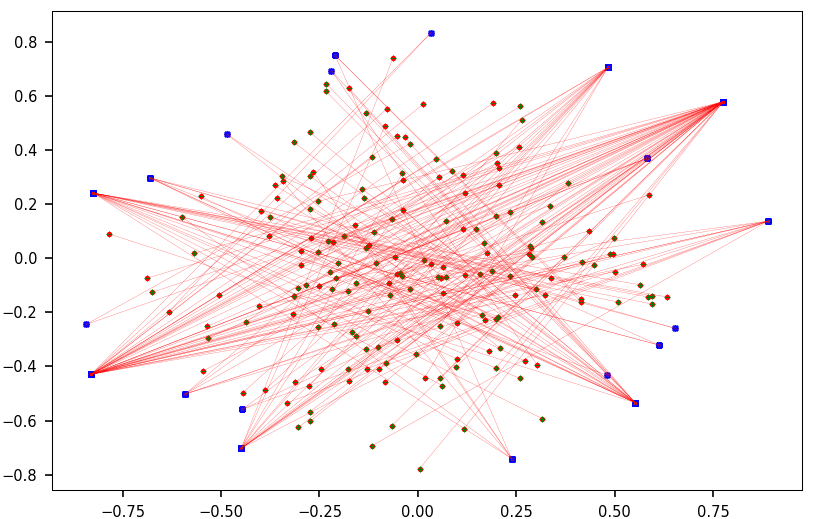
7 Cool Technical GenAI & LLM Job Interview Questions
Vincent Granville | April 30, 2024 at 8:44 pmThis is not a repository of traditional questions that you can find everywhere on the Internet. Instead, it is a short s...

DSC Weekly 30 April 2024
Scott Thompson | April 30, 2024 at 1:59 pmAnnouncements Top Stories In-Depth...

How long does it take to master data engineering?
Aileen Scott | April 30, 2024 at 10:48 amData engineers are professionals who specialize in designing, implementing, and managing the systems and processes that ...
New Videos
The road to democratized AI with Kwaai
“Our goal is to redefine the interaction between technology and personal data. We envision an AI that is not just a tool used by the masses but an extension of the individual, respecting their privacy and enhancing their autonomy.” -Reza Rassool
Cybersecurity practices and AI deployments
For our 4th episode of the AI Think Tank Podcast, we explored cybersecurity and artificial intelligence with the insights of Tim Rohrbaugh, an expert whose career has traversed the Navy to the forefront of commercial cybersecurity. The discussion focused on the strategic deployment of AI in cybersecurity, highlighting the use of open-source models and the benefits of local deployment to secure data effectively.
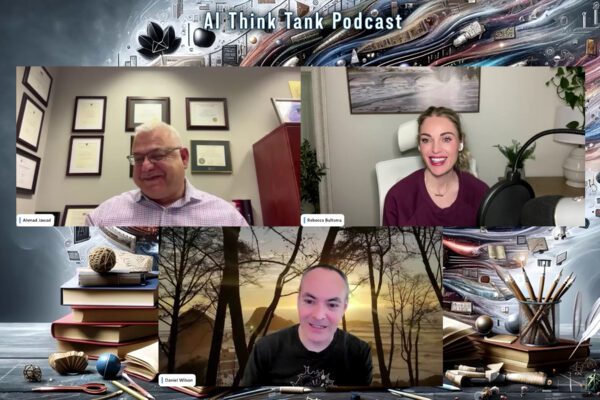
Implementing AI in K-12 education
Roundtable Discussion with Rebecca Bultsma and Ahmad Jawad In the latest episode of the AI Think Tank Podcast, we ventured into the rapidly evolving intersection…